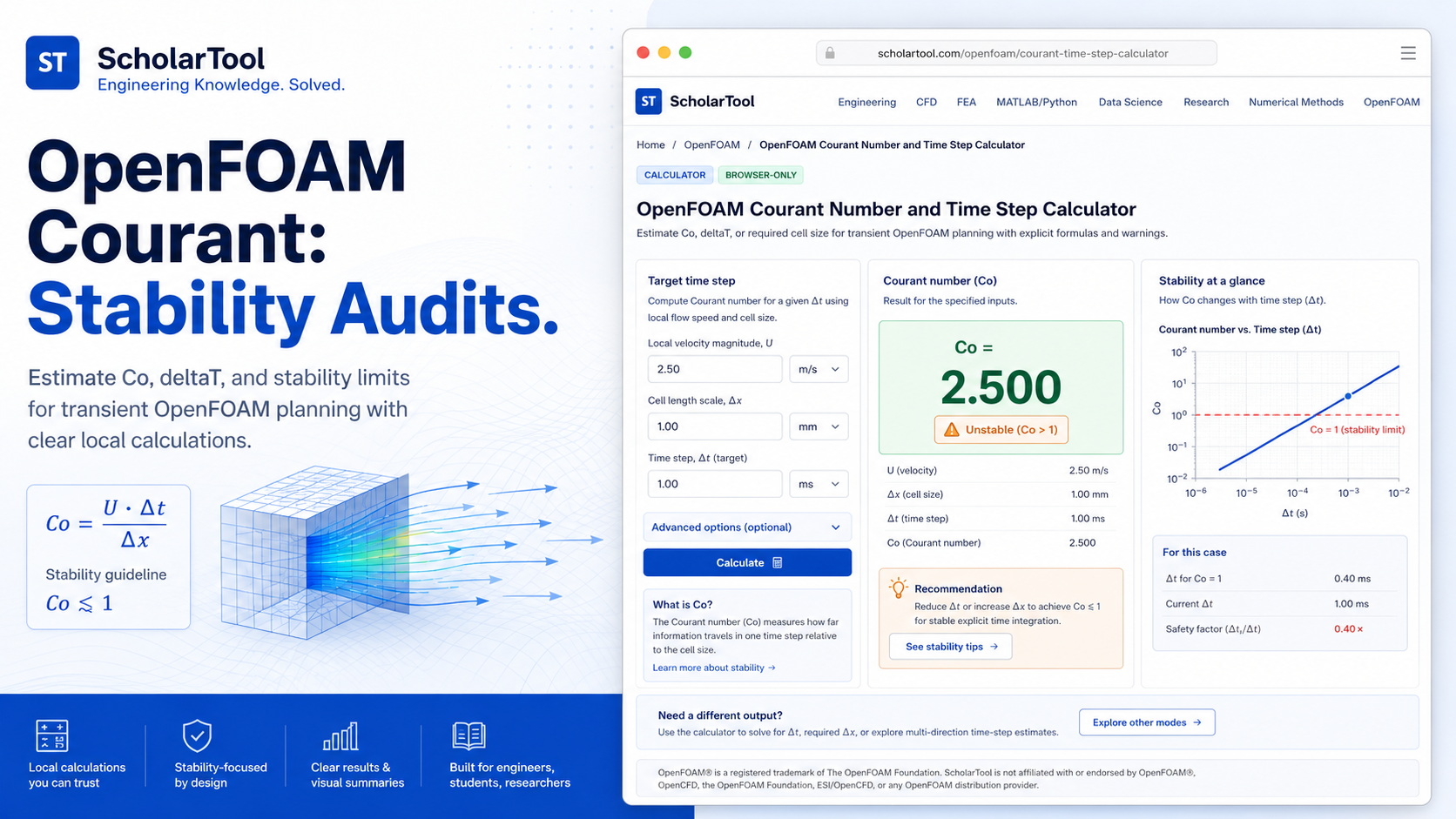
OpenFOAM fvSchemes Helper: Online Dictionary Tool
When I am setting up a new CFD simulation, particularly one involving complex physics like transient turbulence or scalar transport, the “tipping point” for convergence is often found in the system/fvSchemes dictionary. As noted in the OpenFOAM User Guide, this file controls the numerical discretization of every term in your solver’s equations. While it is tempting to reach for higher-order schemes immediately for better accuracy, I find that a lack of transparency in the initial setup often leads to unstable residuals that are difficult to debug.
What I find indispensable for this drafting phase is the OpenFOAM fvSchemes Helper from ScholarTool. It is a deterministic, browser-local utility designed to build a conservative baseline for time, gradient, divergence, and Laplacian schemes. It prioritizes instructional clarity and data residency, ensuring that my case notes and discretization choices stay on my device while I plan my numerical strategy.
What the fvSchemes Helper Helps You Do
The primary purpose of this tool is to bridge the gap between abstract numerical theory and an actionable OpenFOAM dictionary. In technical terms, it validates common finite-volume scheme combinations and formats them into the precise syntax required by your system/fvSchemes file.
I find the interface particularly helpful because it identifies the inherent trade-off between stability and accuracy. Instead of just giving you a generic file, it allows you to select an Accuracy/stability preference ranging from “conservative/stable” to “higher-order guidance.” What I appreciate most is the “browser-only” architecture. Because the tool processes all inputs locally using TypeScript, your proprietary research settings or case structures are never submitted to a third-party AI or remote analysis API.
Inputs You Can Use
The interface is built with a logic-first layout that ensures you have a valid setup before the dictionary is generated.
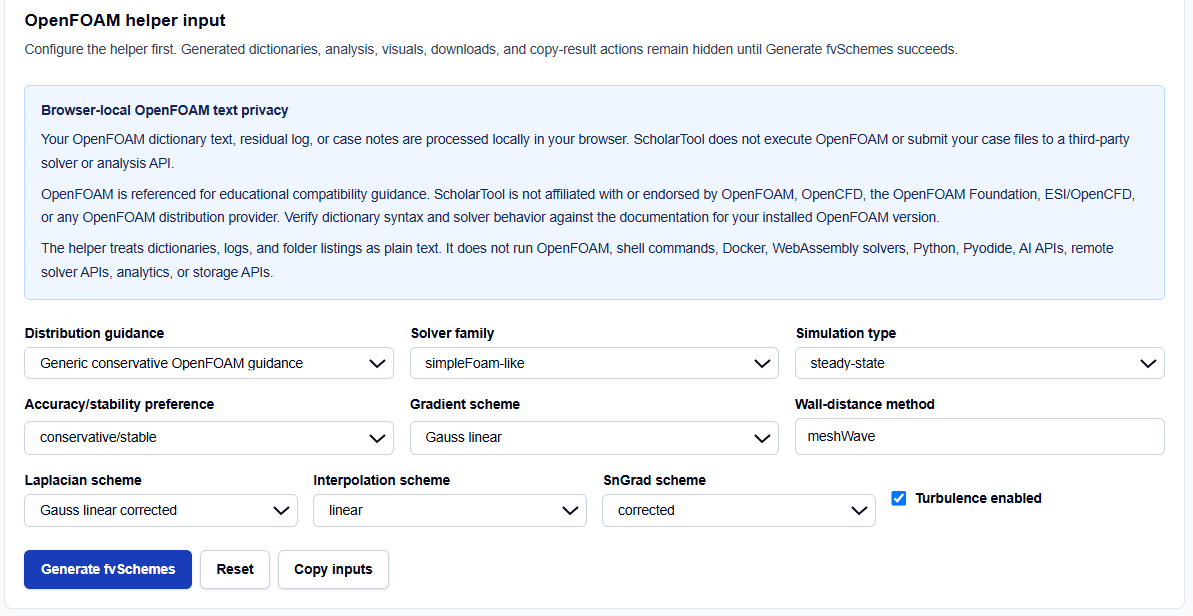
Solver Context and Distribution
I always start by selecting the Distribution guidance. You can choose between Generic, OpenFOAM Foundation-style, or OpenCFD-style (.com). This is a vital professional feature because while discretization logic is shared, the preferred syntax for specific schemes can vary between distributions. You then define your Solver family, such as simpleFoam-like for steady runs or pimpleFoam-like for transient cases.
Discretization Presets
You have direct control over the core scheme categories:
- Simulation Type: Toggling between steady-state and transient automatically adjusts the ddtSchemes. For instance, I find it useful that the tool selects steadyState for SIMPLE-style runs to prevent contradictory time-stepping entries.
- Core Schemes: You can select specific methods for gradSchemes (e.g., Gauss linear vs cellLimited), laplacianSchemes, and interpolationSchemes.
- Turbulence Toggle: When I enable turbulence, the tool automatically adds advection terms for common fields like k and epsilon, and includes wall-distance methods like meshWave.
How I Use the Tool
My typical workflow begins when I have a fresh mesh and I want to establish a “known good” numerical baseline. I open the OpenFOAM fvSchemes Helper.
Once I have selected my solver family and distribution style, I set the stability preference to “conservative/stable.” I find this particularly helpful for early debugging starting with first-order schemes like upwind allows me to verify that my boundary conditions and mesh are healthy before I attempt higher-order accuracy. I then click Generate fvSchemes. I appreciate that the results and visuals remain hidden until this explicit action succeeds, preventing me from acting on default data that might not match my case.
Understanding the Results
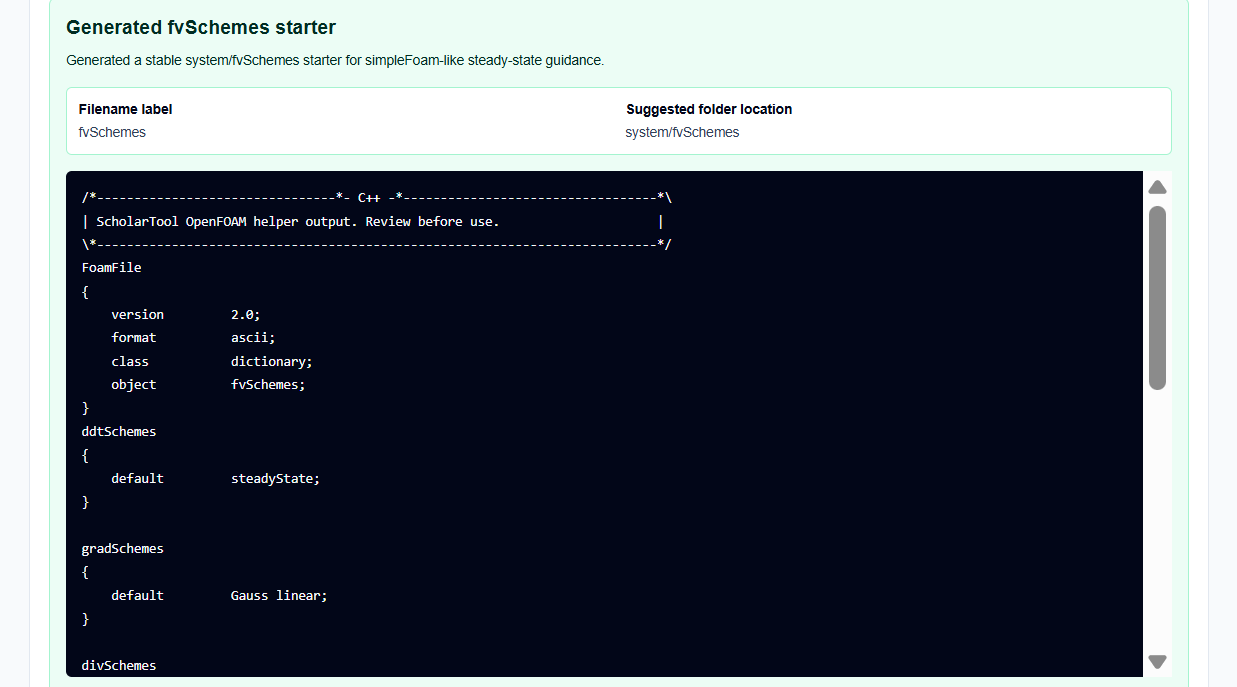
The result section provides the Editable fvSchemes text first, ready to be pasted into your case folder. However, for a professional audit, I focus on the secondary outputs:
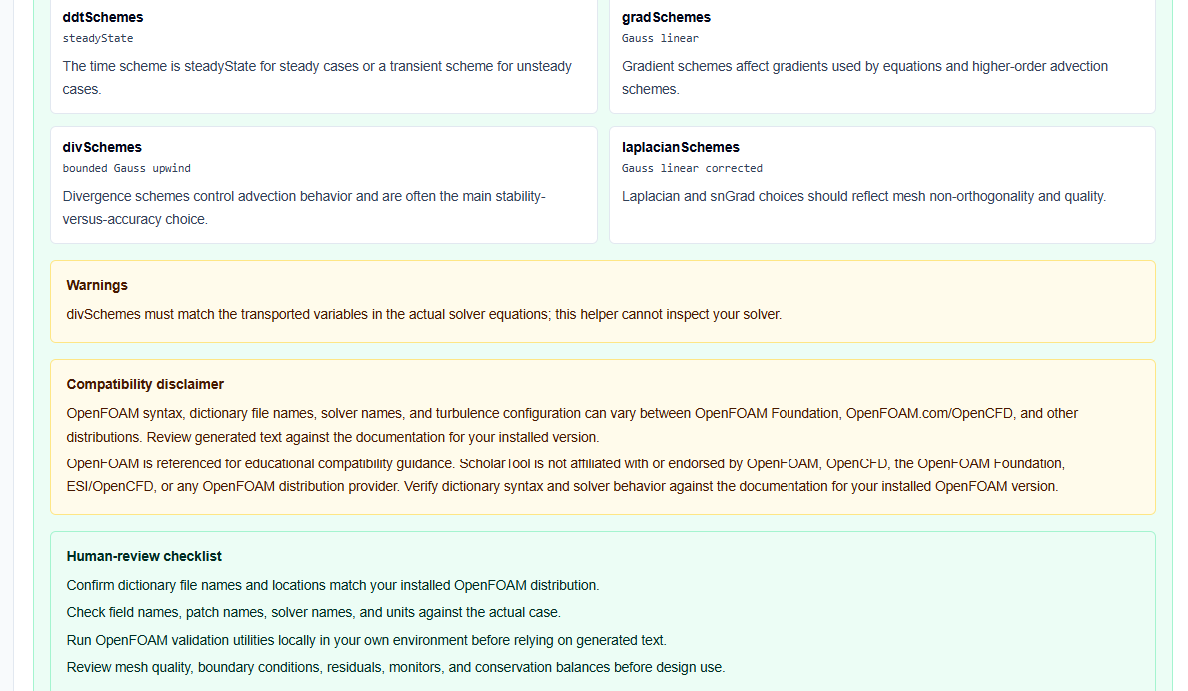
- Visual Discretization Summary: Indicates the selected discretization family and stability level, making it easy to document my numerical choices.
- Human-Review Checklist: Reminds me to verify that the generated divSchemes actually match the fields transported by my chosen solver.
- “Default None” Logic: The tool intentionally uses default none in the divergence section. I find this useful because it forces me to specify important terms explicitly, preventing OpenFOAM from silently using an unsafe default.
A Practical Example: A Transient pisoFoam Setup
Suppose I am setting up a transient vortex-shedding case using pisoFoam. I select the pisoFoam-like solver family and transient simulation type.
As I choose the “higher-order” stability preference, the OpenFOAM fvSchemes Helper generates a ddtSchemes entry using backward and a div(phi,U) entry using bounded Gauss linearUpwind grad(U). The tool instantly provides a stability warning, reminding me that these choices require a high-quality mesh and careful boundedness monitoring. This “math receipt” saves me from having to manually look up the precise syntax for upwind-biased gradients.
Mistakes I Would Avoid
One common pitfall is ignoring mesh non-orthogonality. As the tool’s common mistakes section warns, choosing “corrected” Laplacian or snGrad schemes on a highly non-orthogonal mesh can lead to instability. I always review my mesh quality before selecting aggressive correction terms.
Another mistake is leaving divSchemes incomplete. When I change my solver’s field names, I make sure to update the divergence entries accordingly. Using this helper ensures that my advection terms are visible and auditable, reducing the risk of silent errors.
Try the Free OpenFOAM fvSchemes Helper
Before you manually type out another complex system/fvSchemes, take a minute to generate a transparent discretization draft. It is the fastest way to ground your OpenFOAM setup in verified numerical logic while maintaining total browser privacy.
Try the OpenFOAM fvSchemes Helper here.
To complete your pre-processing toolkit, you may also find the OpenFOAM fvSolution Helper or the OpenFOAM controlDict Generator essential for your simulation workflow.
FAQ
1. Why does the tool use “default none” for divSchemes?
It is a professional best practice to specify advection schemes for every field explicitly. Using default none prevents OpenFOAM from applying a generic scheme to critical fields like velocity or temperature, which could lead to hidden accuracy or stability issues.
2. Can I use these schemes for compressible simulations?
The tool provides guidance for common incompressible patterns. Compressible cases often require additional fields and specific thermophysical discretization; the generated text should be used as a starting point for further review.
3. Does this helper execute OpenFOAM commands?
No. It only generates and analyzes OpenFOAM dictionary text browser-locally. It does not run solvers, Docker containers, or any external shell commands.