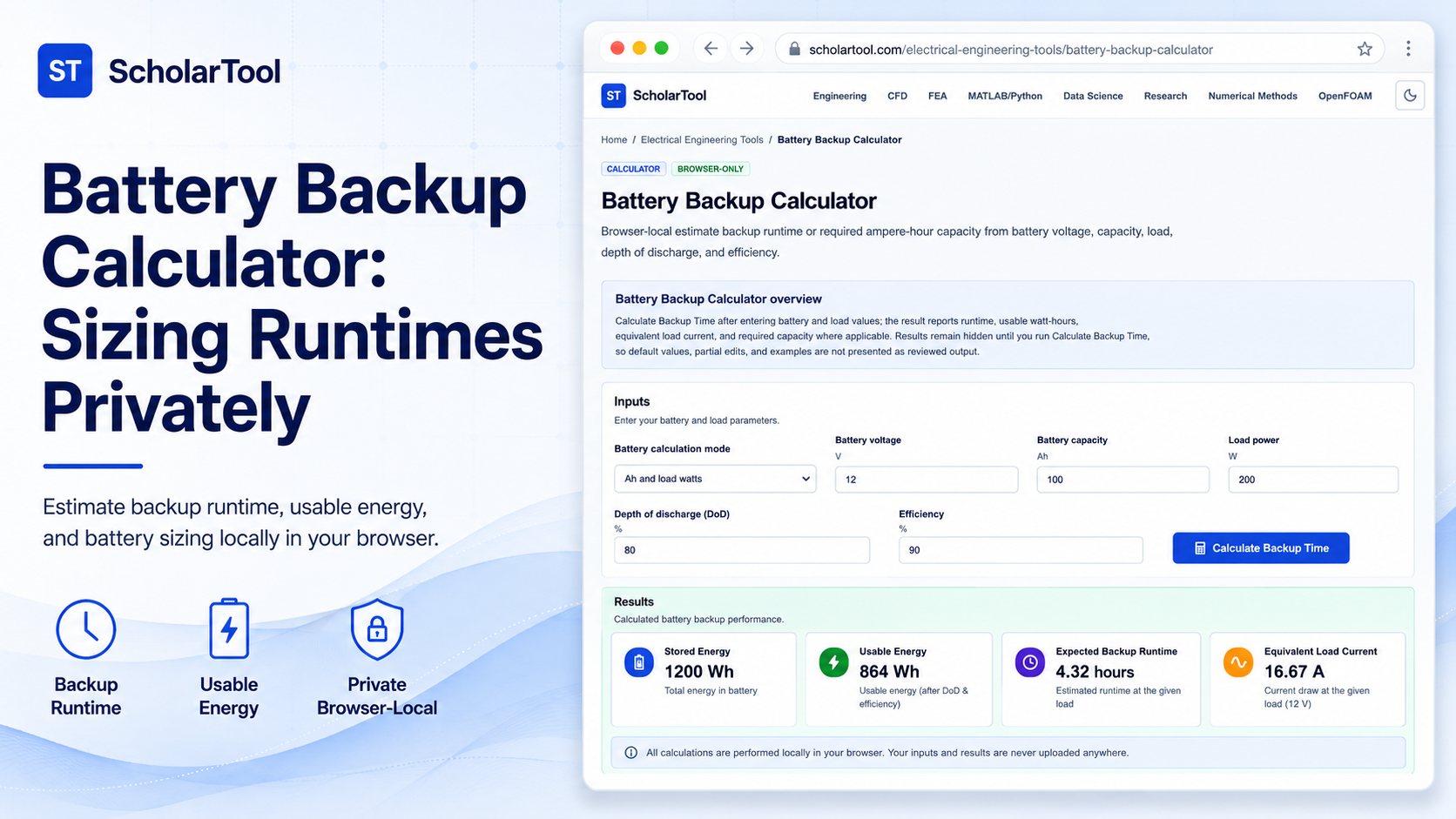
Battery Backup Calculator: Settle Runtimes Privately
When designing a portable prototype or specifying an industrial UPS, estimating battery runtime is a constant planning challenge. Electrical systems rely on stored electrochemical energy to bridge supply interruptions, but selecting cells requires balancing nominal capacities against dynamic system losses. Guessing these operating boundaries without a validated math check leads to premature battery exhaustion, component voltage sags, or structural layout mistakes.
To solve this circuit takeoff bottleneck privately, I use the Battery Backup Calculator on ScholarTool [258–259]. This browser-only utility calculates expected runtimes or required capacities from battery voltages, nominal capacities, depth-of-discharge constraints, and conversion efficiencies. All calculations are processed locally inside your active browser window using client-side TypeScript, ensuring 100% data privacy.
What the Battery Backup Calculator Helps You Do
This sizer acts as a steady-state takeoff aid during early electrical reviews. Rather than forcing you to manually rearrange equations, it structures essential electrochemical relationships into a clean, responsive layout.
What I find useful here is how the calculator reports usable watt-hours and load currents side-by-side with your runtime estimates. You can choose between four calculation modes runtime from Ah, Wh, or load current, or solving for the required Ah capacity needed to sustain a target duration. It provides a math receipt to check your operating boundaries before physical assembly.
Sizing Physical Mass vs. Sizing Electrical Storage
In general design, takeoffs span multiple domains. When designing an enclosure, you balance physical mass against electrical limits. Just as you use our Sheet Metal Weight Calculator to size a panel’s mass to prevent sagging under gravity, you must use an electrical calculator to size battery storage to prevent power sagging.
In a physical sheet, cutout regions reduce net weight. Similarly, in a battery system, depth-of-discharge (DoD) limits and converter efficiencies act as “capacity cutouts” that reduce usable energy below nominal stored levels. Sizing these material and electrical margins side-by-side ensures a robust and reliable design review.
Inputs You Can Use
The interface features a structured layout to ensure your setup assumptions are sound:
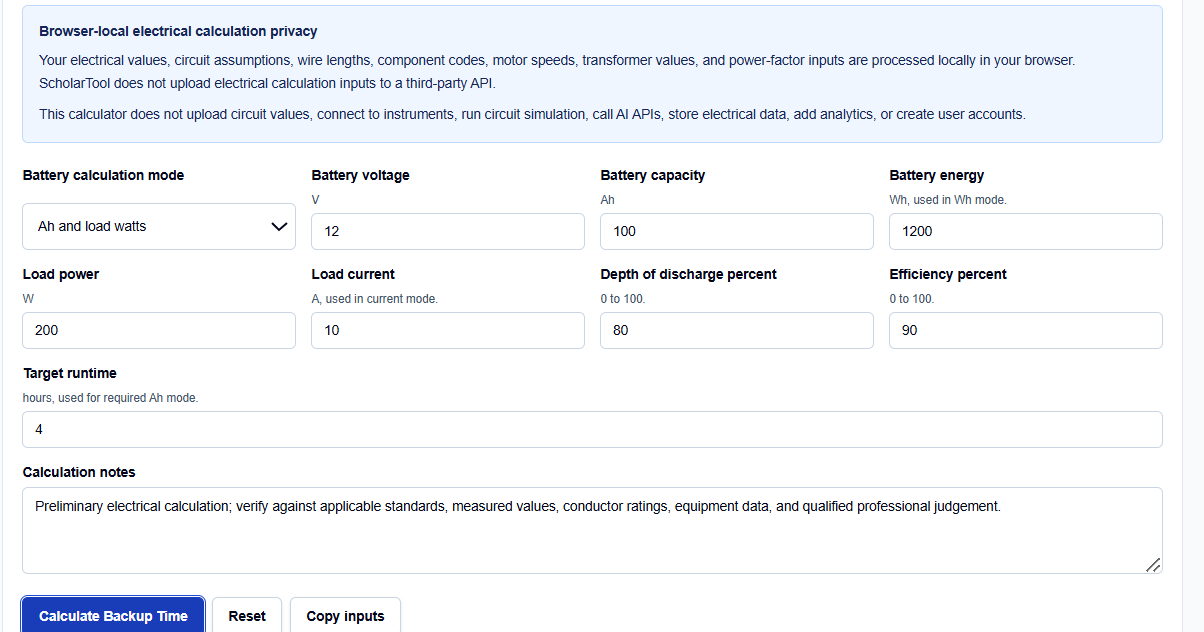
- Battery Mode: Choose Ah/runtime, Wh/runtime, load-current runtime, or required Ah capacity.
- Battery Voltage (V): Enter nominal battery voltage. The default is 12 V.
- Capacity or Energy: Specify nominal stored energy in Ah or Wh.
- Load & Boundaries: Enter nominal load power or current, alongside depth of discharge and efficiency %.
- Target Runtime: Used in required Ah capacity mode to solve for bank sizing.
If your data is available in this form, you can enter the nominal quantities directly and solve with confidence.
How I Use the Tool
I open the Battery Backup Calculator in my browser and check the default values.
When I enter our nominal battery and load values, I make sure the units are consistent. Once configured, click Calculate Backup Time to solve. The result section helps you review computed variables together. All outputs and copy actions remain completely hidden until this succeeds. If you edit any input afterward, the results automatically hide to prevent transcribing stale values.
Understanding the Results
The result section helps you verify your electrical boundaries by presenting several key elements:
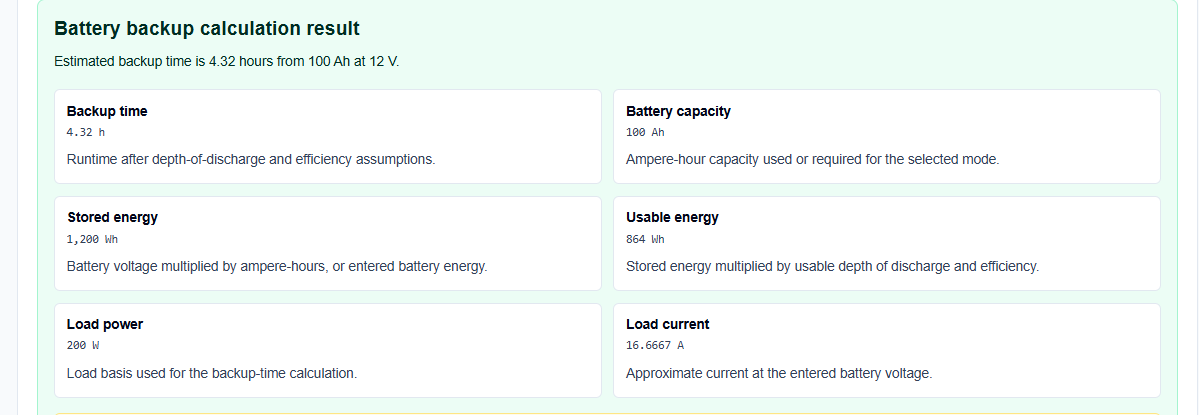
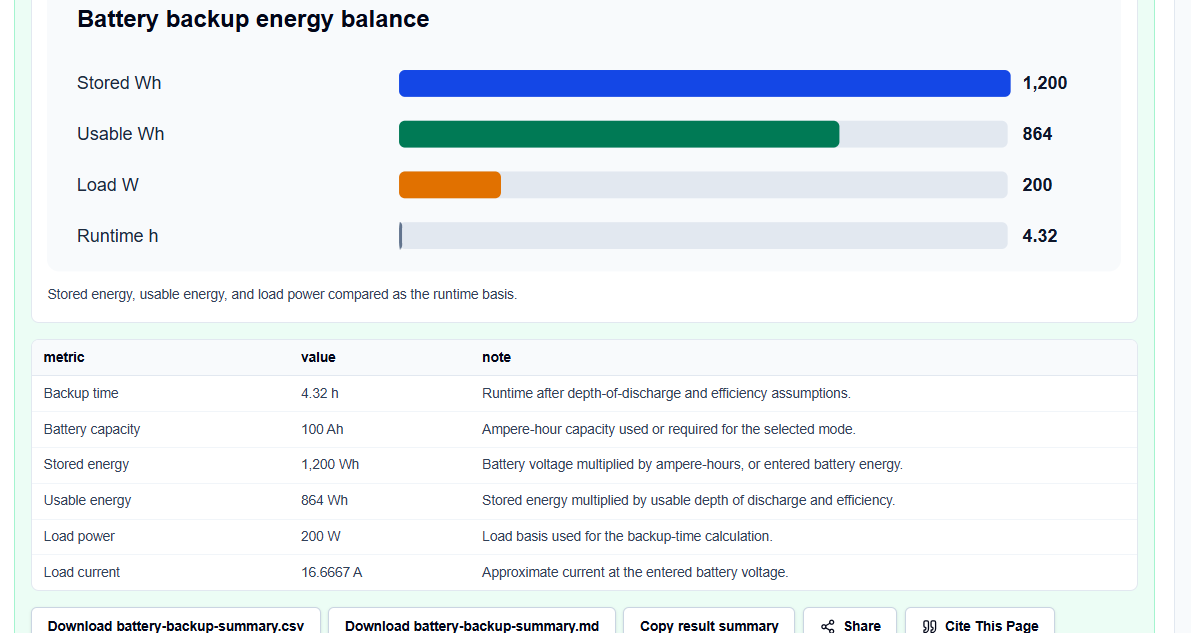
- Backup Runtime: Reports operating duration in decimal hours and usable watt-hours.
- Required Capacity: Solves for the minimal capacity required to sustain target runtimes.
- Data Export: Formats the complete calculation block into copyable Markdown or CSV files.
It omits complex dynamic simulations to remain highly responsive.
A Practical Example: Sizing a Passive Load
Consider a check to find the runtime for a standard 12 V, 100 Ah battery supporting a 200 W load.
We configure the inputs: 12 V battery voltage, 100 Ah capacity, 200 W load power, 80% depth of discharge, and 90% inverter efficiency.
Upon clicking calculate, the browser-local script applies standard equations: \[E_{\text{stored}} = 12 \times 100 = 1200\text{ Wh}\] \[E_{\text{usable}} = 1200 \times 0.8 \times 0.9 = 864\text{ Wh}\] \[t = 864 / 200 = 4.32\text{ hours}\]
The result section helps you verify that this battery can support the load for exactly 4.32 hours under nominal conditions.
Mistakes I Would Avoid
One critical mistake is mixing AC phase and DC values when checking system voltages. Always ensure you use consistent DC equivalent values when sizing DC-side battery banks.
Another major pitfall is using ideal battery formulas for conditions where losses dominate. Sizing battery capacities without factoring in real-world inverter efficiencies or manufacturer-specified Peukert effects will lead to premature cutoff failures under load.
Finally, avoid treating nominal battery capacities as fully usable ratings. Always apply a conservative depth of discharge factor to protect your battery chemistry.
Try the Free Battery Backup Calculator
To secure your design parameters, try this secure tool today:
Try the Battery Backup Calculator on ScholarTool
Chaining this check completes your planning. Expand your reviews using our Electrical Power Calculator or check battery charging requirements using our Voltage Converter or Current Converter utilities portal.
FAQ
1. Does the ScholarTool Battery Backup Calculator include thermal aging, Peukert factors, or temperature-dependent deratings?
No. This tool calculates steady-state nominal runtimes and usable capacity boundaries based on user-entered geometric and electrical values. Dynamics such as Peukert battery rate coefficients, environmental aging, or temperature limits must be reviewed separately using manufacturer datasheets.
2. Should I enter rated battery Ah or usable Ah in the capacity field?
Always enter the nominal rated capacity of your battery as provided by the manufacturer. You can then configure the Depth of Discharge (DoD) field to represent the usable fraction of that capacity safely.
3. Why do the output results automatically clear if I modify an input value?
This is a built-in safety safeguard. If you edit any voltage, capacity, or load parameter, the results panel automatically hides until you click “Calculate Backup Time” again. This prevents you from copying outdated or inconsistent data into your takeoff logs.