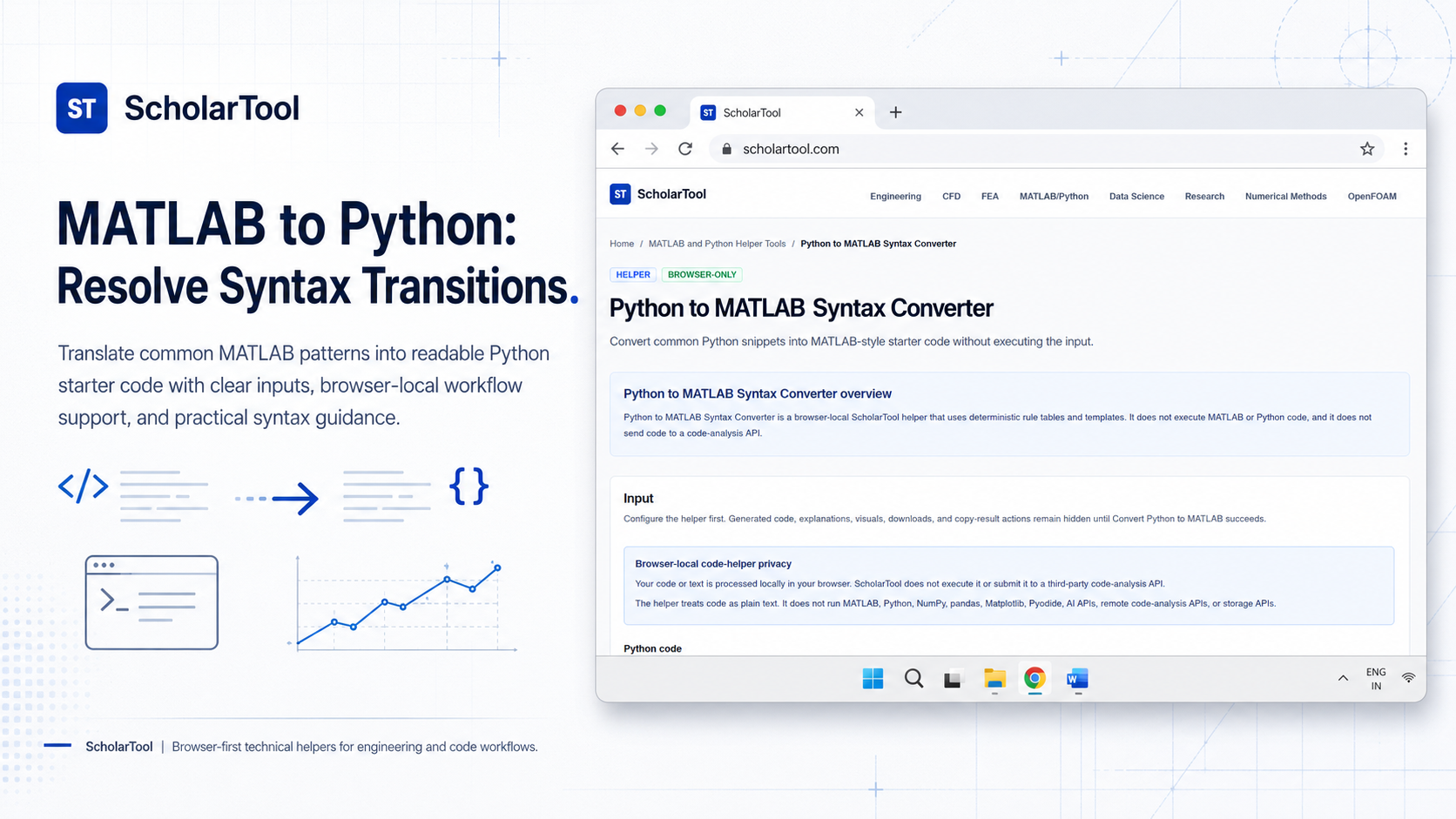
MATLAB to Python Syntax Converter: Snippet Translation Tool
When I am transitioning a project from a legacy environment to a more modern, open-source stack, the “stumbling block” is rarely the high-level logic; it is the friction of routine syntax translation. As I’ve observed in introductory engineering manuals, MATLAB is built on a matrix-first philosophy where everything is an array. Moving those idioms to Python a multipurpose language that requires specialized libraries like NumPy and Matplotlib for scientific computing can feel like a chore of boilerplate code and library imports.
What I find indispensable for these migrations is the MATLAB to Python Syntax Converter from ScholarTool. It is a deterministic, browser-local utility designed to map common MATLAB snippets into Python-style starter code. Whether I am translating a small teaching example or building a migration checklist for a larger system, this tool ensures my syntax assumptions are mathematically sound while keeping my proprietary source code entirely private.
What the MATLAB to Python Syntax Converter Helps You Do
The primary purpose of this tool is to speed up routine translation without the overhead of executing code or sending it to a third-party server. In technical terms, it applies ordered regular-expression rules to identify patterns like linspace, zeros, or plot and converts them into their idiomatic Python counterparts.
I find the interface particularly helpful because it provides a “Comparative Perspective” between the two languages. You can paste a MATLAB fragment, and the tool resolves it into a Python code block with suggested imports (like import numpy as np) included automatically. What I appreciate most is that the helper processes everything “browser-only”. Your sensitive algorithms proprietary physics models or internal research snippets stay in your page state and are never submitted to a code-analysis API.
Inputs You Can Use
The interface is designed for small, explicit fragments rather than full software systems.
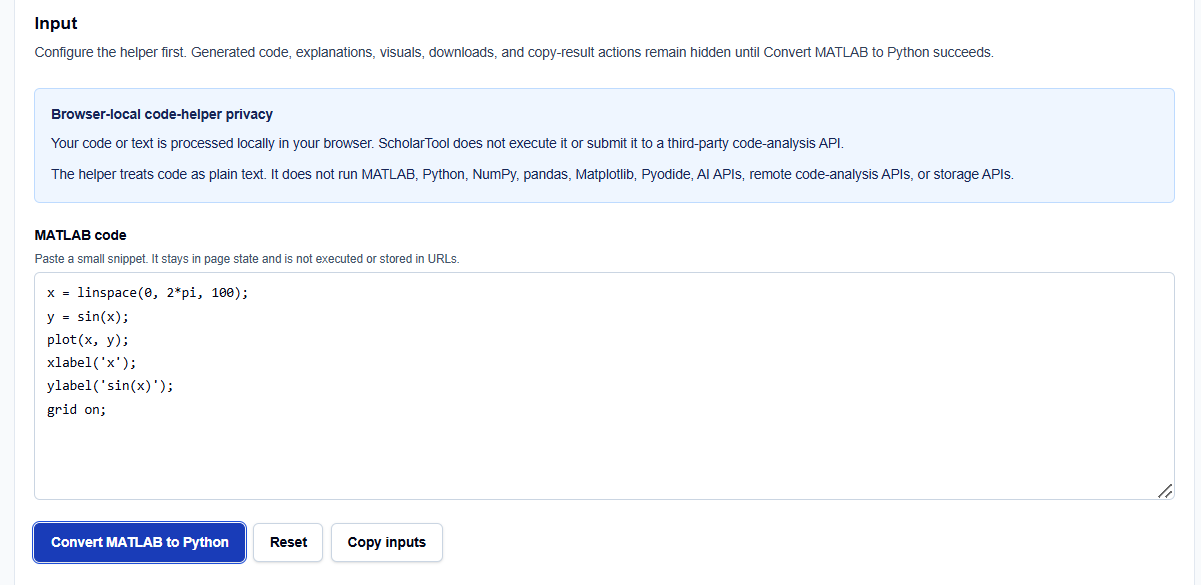
Plain-Text Snippets
When I enter code into the tool, I keep the snippets focused on core mathematical and plotting patterns. The converter is built to handle:
- Array Constructors: Functions like zeros(3, 2) or ones(size(A)).
- Plotting Calls: Standard routines including plot, xlabel, ylabel, and grid on/off.
- Mathematical Functions: Basic operators and elementary functions like sin, cos, exp, and log.
- Logic Structures: Simple for loops and function headers.
How I Use the Tool
My typical workflow begins when I encounter a MATLAB line that I need to replicate in a Python script. For instance, if I have a snippet like x = linspace(0, 2*pi, 100); y = sin(x); plot(x, y);, I paste it into the “MATLAB code” field.
Once I click Convert MATLAB to Python, I review the Output explanation. I find the mapping table specifically useful for documentation; it provides a side-by-side link between the source fragments and the generated Python lines. Because this tool is deterministic and does not use AI, it provides a “math receipt” of rules applied rather than a black-box guess. After the check, I use the resulting code as a “starter template” for my own environment.
Understanding the Results
The result section provides the Python code block prominently at the top, typically featuring suggested imports for NumPy (np) and Matplotlib (plt). However, for professional validation, I pay close attention to the Warnings:
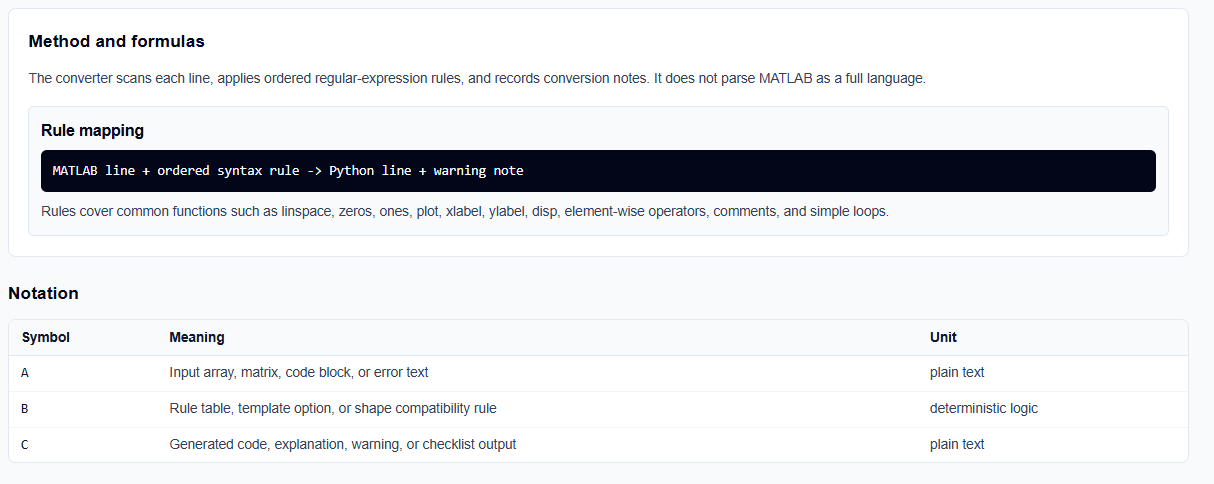
- Semantic Equivalence: The tool warns you where rule-based transformation might lose nuance, such as in complex indexing or transpose behavior.
- Verification Steps: It explicitly reminds you to print array shapes to check broadcasting and indexing after you paste the result.
- Library Assumptions: The tool assumes standard library aliases, which is a vital professional reminder to ensure your existing environment matches the generated imports.
A Practical Example
Suppose I am migrating a basic line plot. I enter the MATLAB snippet: x = linspace(0, 2*pi, 100); y = sin(x); plot(x, y);.
The MATLAB to Python Syntax Converter identifies the linspace and sin calls and maps them to np.linspace and np.sin. It translates the plot command to plt.plot and appends plt.show() to ensure the graphic actually displays in the Python environment. This immediate resolution allows me to skip the manual lookup of library aliases and focus on the technical data.
Mistakes I Would Avoid
One common pitfall is ignoring matrix vs. element-wise behavior. As the tool’s common mistakes section warns, replacing a MATLAB matrix multiply with a Python element-wise multiply without checking your intent can lead to massive numerical errors. Always verify your array shapes before trusting a transformed block.
Another mistake is treating the output as production-ready code. As the disclaimer states, the helper generates “starter text” only; it does not execute, validate, or debug the code. I always use these snippets as a drafting aid and follow up with manual unit tests in my target environment.
Try the Free MATLAB to Python Syntax Converter
Before you spend another hour manually looking up NumPy counterparts for your legacy MATLAB scripts, take a minute to generate a syntax template. It is the fastest way to ground your migration in verified syntax rules.
Try the MATLAB to Python Syntax Converter here.
To complete your migration toolkit, you may also find the Python to MATLAB Syntax Converter, MATLAB Python Plot Code Helper, or the NumPy Array Shape Helper essential for your workflow.
FAQ
1. Does the MATLAB to Python Syntax Converter execute my code?
No. The helper treats your code as plain text and applies deterministic syntax rules locally in your browser. It does not run a MATLAB or Python environment.
2. Is my code sent to an AI or cloud-analysis service?
No. All processing is performed locally using your browser’s resources. Your code is never sent to a third-party API or cloud-storage service, ensuring your proprietary algorithms remain private.
3. What should I do if a pattern is marked as “Unsupported”?
If a construct like classdef or Simulink is used, the tool will provide a warning. These complex patterns require human engineering judgment or manual translation as they often lack a direct 1:1 syntactic equivalent in standard Python libraries.