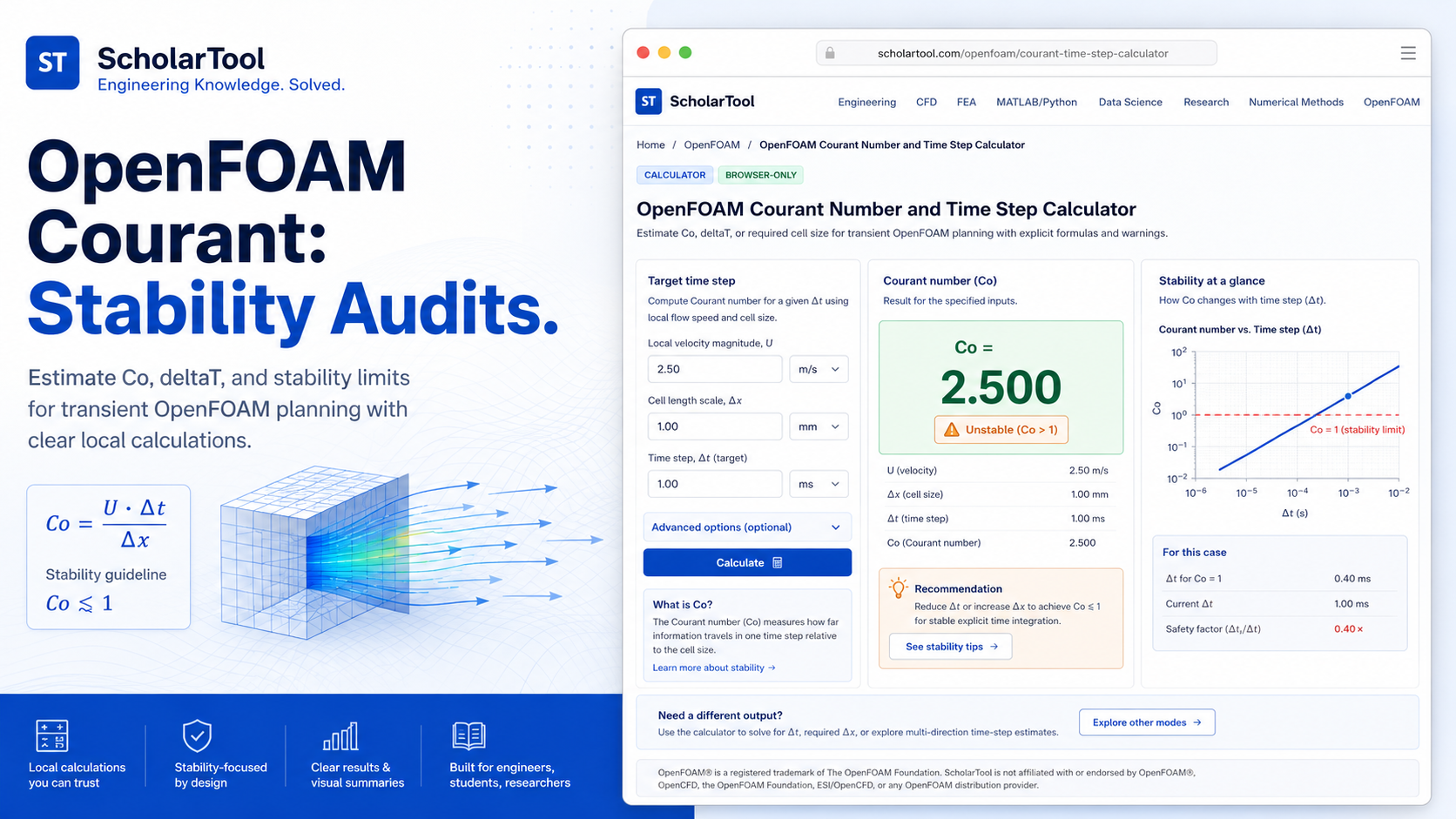
OpenFOAM Courant Number and Time Step Calculator Tool
When I am setting up a new transient simulation in OpenFOAM whether it is a simple vortex-shedding case or a complex multiphase dam break the “first point of failure” is almost always the Courant-Friedrichs-Lewy (CFL) condition. As noted in the OpenFOAM User Guide, the Courant number ($Co$) identifies how far information travels through a cell in a single time step,. If your time step ($\Delta t$) is too large relative to your local cell size ($\Delta x$) and velocity ($U$), the numerical scheme can become unstable, leading to the dreaded “floating point exception”,.
What I find indispensable for this planning phase is the OpenFOAM Courant Number and Time Step Calculator from ScholarTool. It is a deterministic, browser-local utility designed to solve for $Co$, $\Delta t$, or $\Delta x$ before you ever click “run” on your terminal. It prioritizes instructional clarity and data residency, ensuring that my case-specific performance targets stay on my machine while I establish my numerical baseline.
What the Courant Number and Time Step Calculator Helps You Do
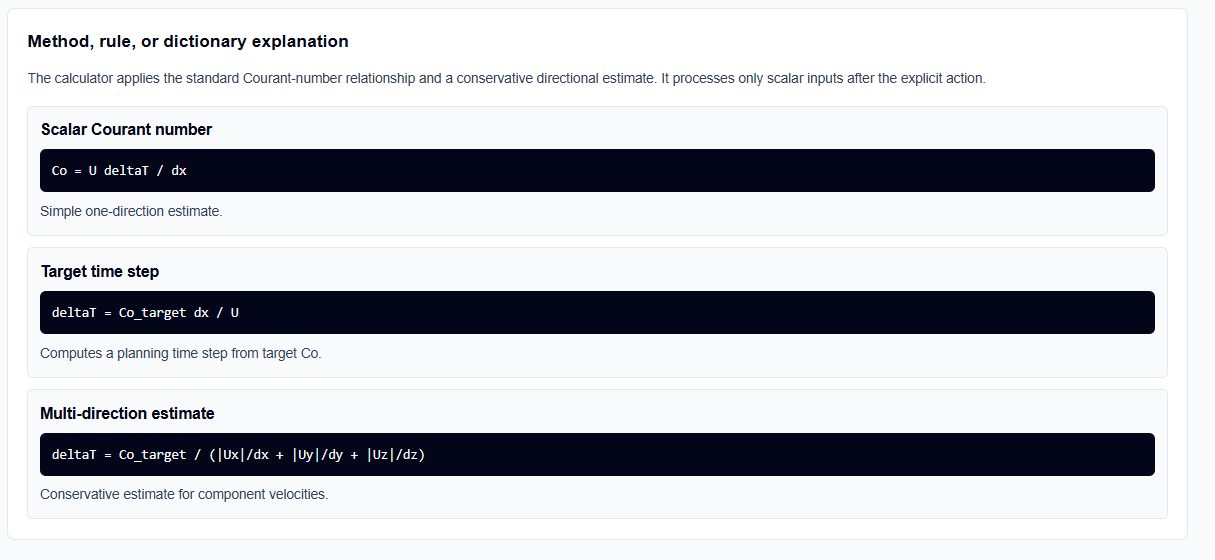
The primary purpose of this tool is to bridge the gap between a conceptual mesh and an actionable system/controlDict configuration. In technical terms, it validates your scalar inputs velocity, cell size, and time step and computes the missing variable using the standard Courant relationship.
I find the interface particularly helpful because it identifies that stability is rarely one-dimensional. While many basic calculators only handle scalar magnitudes, this tool includes a Multi-direction estimate mode. This allows you to enter velocity components ($U_x, U_y, U_z$) and directional mesh spacings ($dx, dy, dz$), providing a more conservative estimate for complex structured grids. What I appreciate most is the “browser-only” architecture. Because the tool processes all text locally using TypeScript, your proprietary research parameters or internal case notes are never submitted to a third-party AI or storage API.
Inputs You Can Use
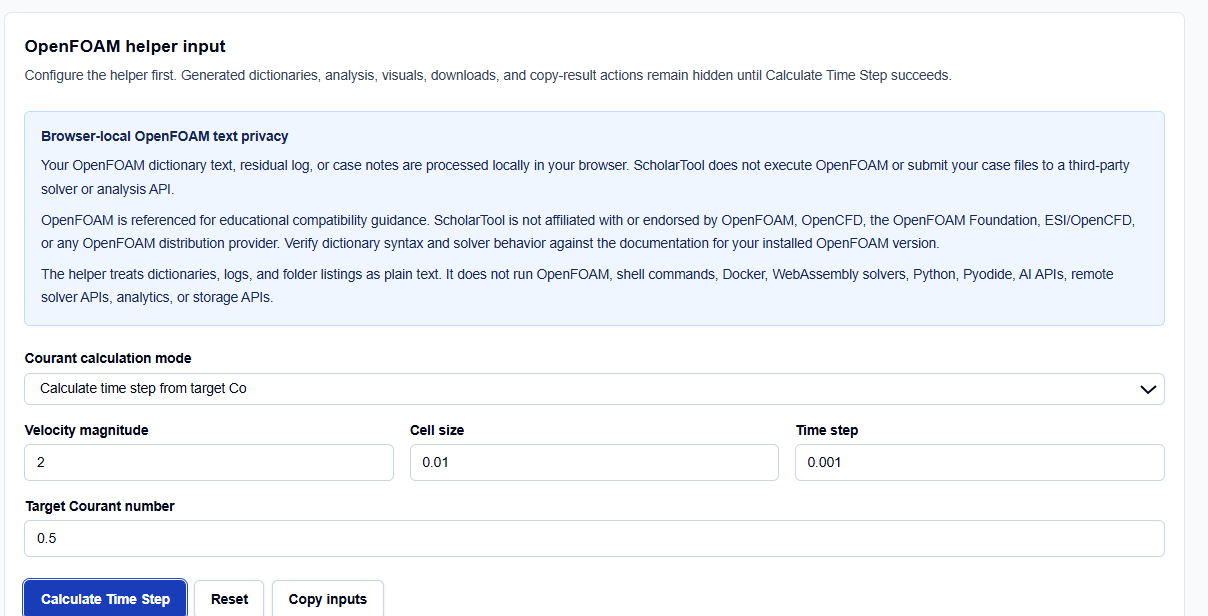
The interface is built with a configuration-first layout to ensure your setup is consistent before any results are generated.
Calculation Modes
You start by selecting your Mode. I find it useful that you can solve for any part of the triangle:
- Calculate Courant number: Use this if you have a fixed $\Delta t$ and want to check stability.
- Calculate time step from target Co: Use this to find the largest safe $\Delta t$ for a target $Co$ (often 0.5 or 1.0).
- Calculate required cell size: Helpful when you have a fixed time resolution and need to know how fine your mesh must be.
Physics and Mesh Parameters
You enter your Velocity magnitude and your Local minimum cell size,. I always pay close attention to the Target Courant number field. This is your planning target usually linked to your controlDict maxCo setting which serves as a professional guardrail for your solver’s time-stepping logic.
How I Use the Tool
My typical workflow begins once I have approximate cell sizes from the OpenFOAM blockMeshDict Generator. I open the OpenFOAM Courant Number and Time Step Calculator to establish my run window.
Once I have selected my mode and entered my maximum expected velocity, I click Calculate Time Step. I find it useful that the analysis, visuals, and copy-result actions remain hidden until this explicit action succeeds, preventing me from acting on stale or default data. I then review the Contribution table. If I am setting up a transient case with adjustTimeStep, I use the recommended $\Delta t$ as my deltaT starter and the target $Co$ as my maxCo limit in the controlDict.
Understanding the Results
The result section provides the Main estimate first, identifying the $Co$, $\Delta t$, or $\Delta x$ based on your mode. However, for a professional audit, I focus on the secondary outputs:
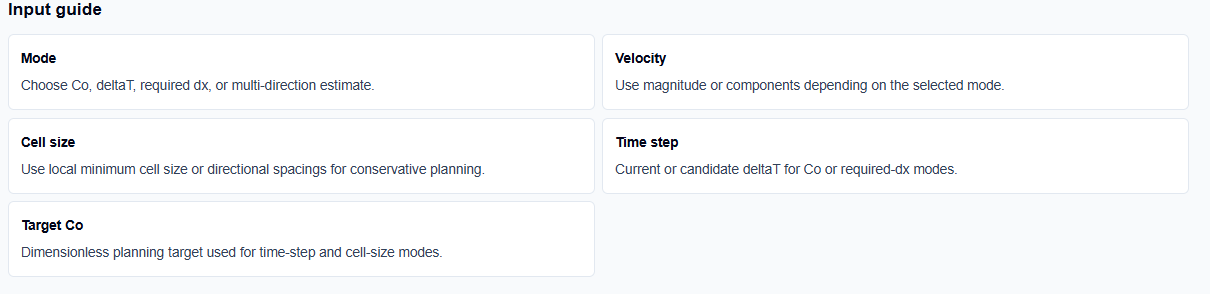
- Visual Summary: Compares velocity, cell scale, and results graphically, making it easy to see how sensitive your stability is to mesh refinement.
- Human-Review Checklist: Reminds me to review solver documentation, as different schemes (like implicit vs. explicit) can tolerate different Courant ranges,.
- Notation Table: Clearly identifies the symbols and SI units used, ensuring there is no confusion between millimeters and meters during entry.
A Practical Example: The Target Time Step
Suppose I am setting up a simulation with a maximum velocity of 2 m/s and my mesh has a minimum cell size of 0.01 m in a refined region. I want to maintain a target Courant number of 0.5 for stability.
As I click the action button, the OpenFOAM Courant Number and Time Step Calculator applies the formula $\Delta t = (Co_{target} \cdot dx) / U$. It calculates a recommended $\Delta t$ of 0.0025 s. Seeing this “math receipt” allows me to move directly to the OpenFOAM controlDict Generator with a verified starting point.
Mistakes I Would Avoid
One common pitfall is using average velocity instead of maximum velocity. As the tool’s guidance reminds us, $Co$ is a local property; if the flow accelerates through a nozzle, you must use the peak velocity for your stability estimate,.
Another mistake is ignoring local mesh refinement. If you only use the nominal cell size from a coarse region but your mesh has a boundary layer with much smaller cells, your actual Courant number will be much higher than estimated,.
Try the Free OpenFOAM Courant Number Calculator
Before you manually type another time step into your case files, take a minute to generate a transparent stability draft. It is the fastest way to ground your OpenFOAM setup in verified numerical logic while maintaining total browser privacy.
Try the OpenFOAM Courant Number and Time Step Calculator here.
To complete your setup toolkit, you may also find the Reynolds Number Calculator or the OpenFOAM Y-Plus Wall Treatment Helper essential for your simulation workflow.
FAQ Section
1. Is a Courant number below 1 always stable?
No. While $Co < 1$ is a standard target for explicit schemes, stability also depends on your solver, discretization schemes, mesh quality, and underlying physics. You should always verify stability against your specific solver documentation.
2. Should I use average or maximum velocity?
You should use a conservative maximum expected velocity for planning. A low estimated $Co$ based on average velocity can still miss local instabilities in regions of high acceleration.
3. Does this tool read my OpenFOAM mesh files?
No. It does not parse mesh files or solver fields. It calculates results based on the scalar values or component dimensions you enter manually in the browser.